

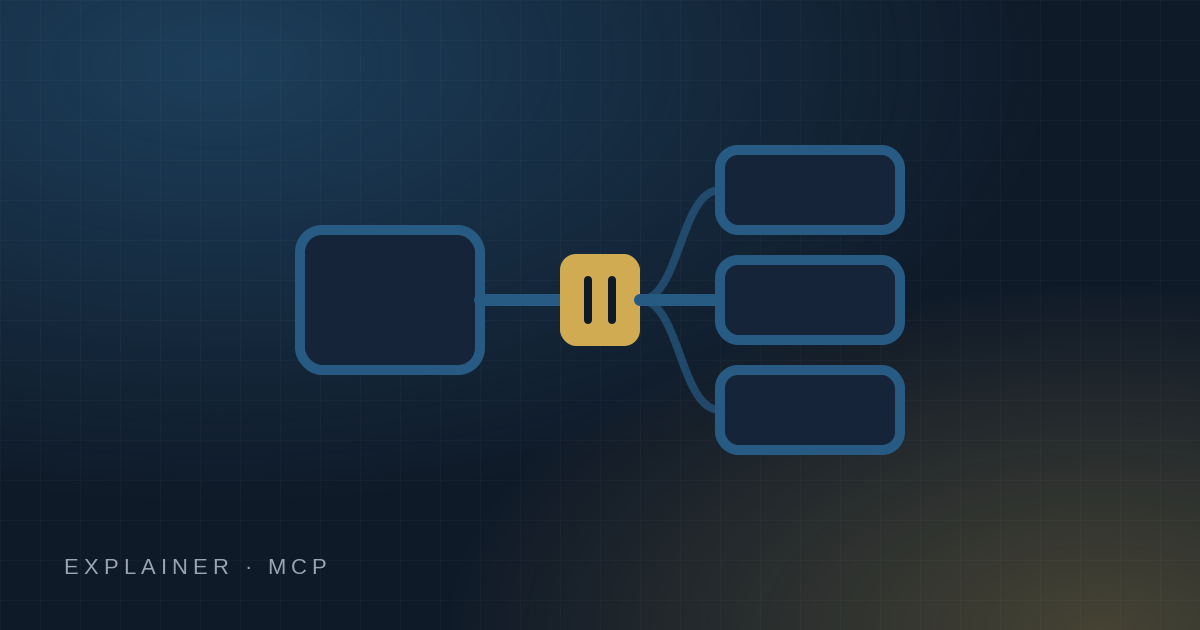
Before USB-C, every device needed its own cable. AI tools have had the same problem: every integration with a ticket system, a wiki or a database was built separately. The Model Context Protocol, MCP, is a standard connector that solves this, which is why it is often called USB-C for AI.
- AI
- MCP
- Explainer
In this article3 sections
What MCP does#
MCP defines a common way for an AI tool to discover what a system offers and to use it: read a ticket, search the documentation, run a query, create a draft. A system that speaks MCP can be used by any AI tool that also speaks it, without a custom integration for each pair.
Why it matters for development teams#
The biggest limit for a coding agent is usually not intelligence but context. With MCP the agent can:
- Read the ticket and its acceptance criteria, instead of a pasted summary
- Look up the relevant documentation and earlier decisions
- Update the ticket when the work is done
- Use your own services, for example a booking or pricing service, in a controlled way
Using it safely#
A connector is also a door. A few rules keep it safe:
- Read first. Start with read-only access, and add write access only where it is clearly needed.
- Least privilege. Give each connector only the permissions its task requires.
- Keep a trail. Log what the agent read and changed, so every action can be traced.
- A person approves. Changes that matter still go through a person, just like a colleague’s work.